[course]08 游戏模块02-1
使用自定义类来创建
from game_graphics import *
from tkinter import *

class MyApp(App):
    def appStarted(self):
        self.counter = 0

    def keyPressed(self, event):
        self.counter += 1

    def redrawAll(self, canvas):
        canvas.create_text(self.width/2, self.height/2,
                           text=f'{self.counter} keypresses', font='Arial 30 bold')

MyApp(width=400, height=400)使用定义的快捷键
记录数遍跟踪信息
控制输入事件
图片控制
输入图片的几种方式
输出图片的大小
图片转换
截屏和保存图片
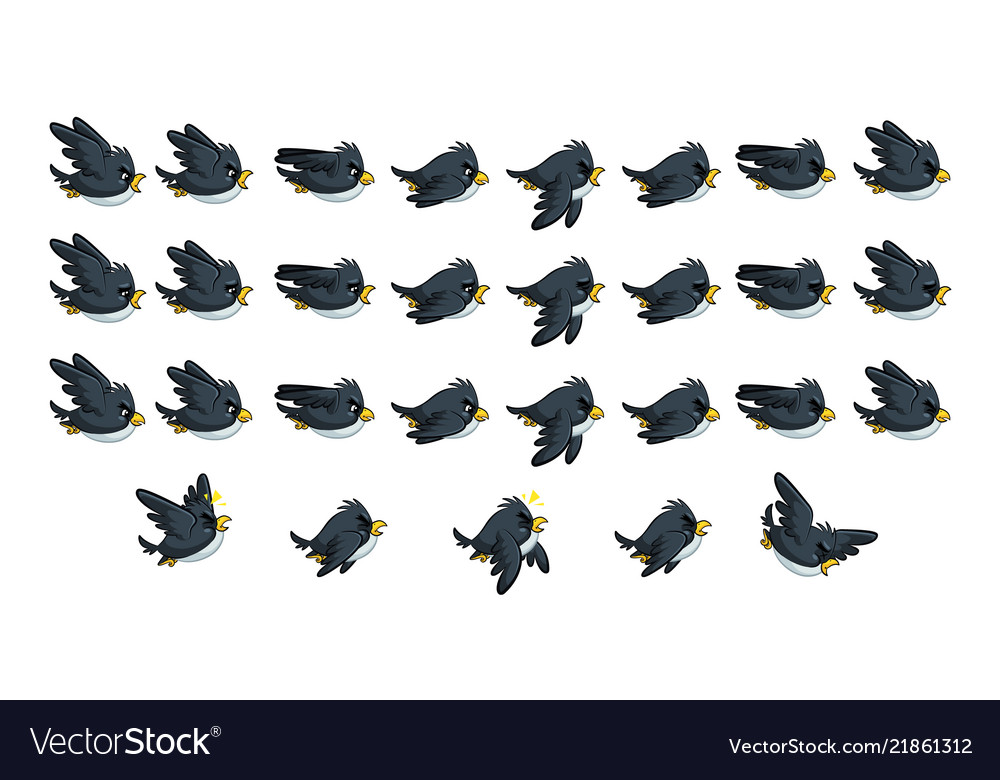
Spritesheets 雪碧图
Last updated